A game changer: Bodymovin
Vector data and animation data in one JSON file.
Icon by Madebyoliver
As I mentioned before: if designers in the team do not want to dive deeply into code, I try to find alternatives to help them extend their set of design tools so we can empower their process in different ways.
I knew it was going to be a hard sell to persuade other designers to work with SVG Animations. And I recently found what I consider to be a game changer: Bodymovin.
Bodymovin is an After Effects plugin created by Hernan Torrisi.
It’s a free plugin and you can follow the project on GitHub. (This project is not new, but it’s not mentioned or shared enough.)
A good way to explain what this plugin does is to compare these two setups:
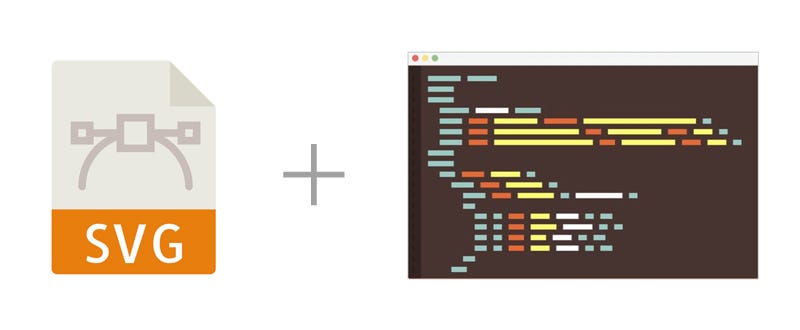
- Normal Setup of SVG Animations
Today’s workflow to create SVG Animations on the web is to draw the SVG in the DOM, and then to animate it with CSS and JS. This means that every animated element — and their concept of timing and timeline— needs to be handled with code.
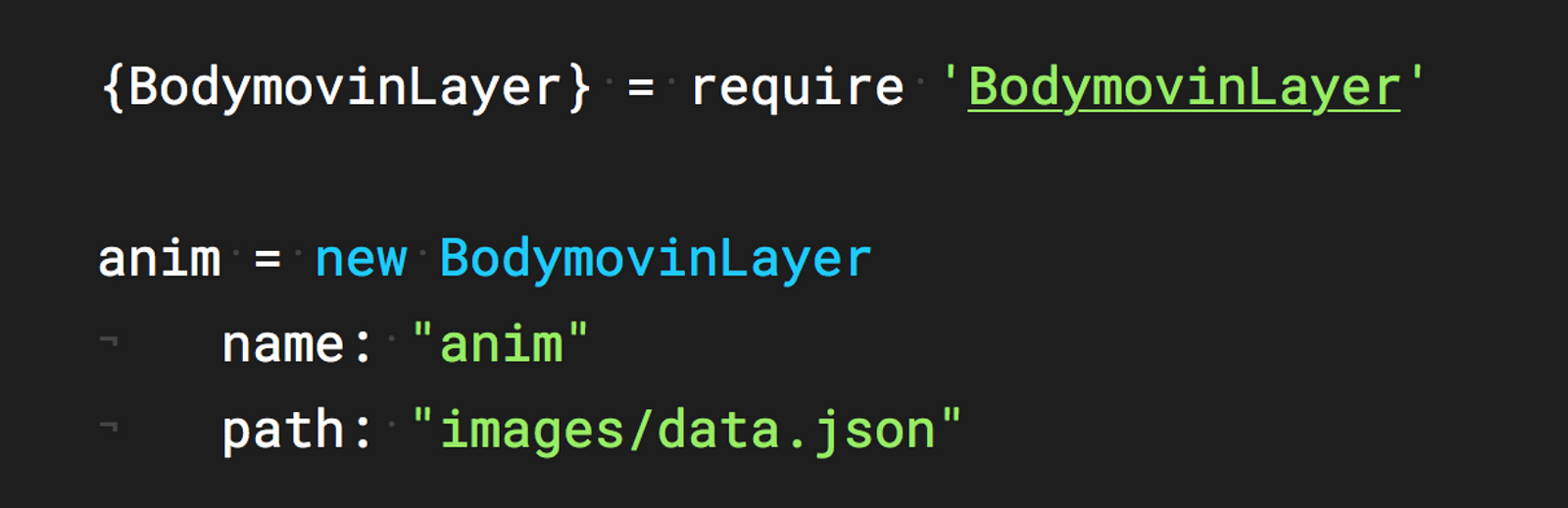
- The Alternative Setup with Bodymovin
If we think about After Effects, we think about a tool that will let us export our animations as movie files or animated gifs — and as I mentioned earlier, ideally we shouldn’t include a bunch of these files in our apps.
However, with Bodymovin, you can work on a vector-based animation in After Effects and then export it as a JSON file. This is HUGE.
Same as an SVG, a JSON file is just plain text. However, this file contains all of the vector data and all of the animation data in one place. It’s a super lightweight file. I’ve had cases in which one PNG frame of an animation was a larger file than the entire animation as a JSON file.
What better way to empower designers and animators than letting them focus on what they’re great at, rather than forcing them to learn a technology that’s struggling to evolve. (And here I’m referring specifically to working with SVGs for the web. For another interesting perspective, I’d recommend this great post by Amelia Bellamy-Royds: Me and SVG.)