It’s been a long time since my previous post, many things have happened since then, but finally is here. I hope you enjoy it!.
This is a new story in my series of articles called ‘From design to android’, if you remember the first part of these series, I pick a design concept which I find interesting and I try to implement it on Android, focusing on some interesting topics along the the way from my android developer perspective.
All the code referred in this post can be found at this Github’s repository👈
This is the concept that I’ve chosen for this part:

<img class=”progressiveMedia-noscript js-progressiveMedia-inner” src=”https://cdn-images-1.medium.com/max/1600/1*-2PD1PyuxLrB9mjoVzP2rQ.gif”>
Google business — Slider by Johny Vino
I used once again a concept coming from Johny Vino.
Try to stop for a second figuring out, as an android developer as you are, how to make an implementation of that screen.
If you spotted two of the following points you maybe agreed with me, at first sight, there were two parts that came to my mind:
- How to implement the animation of the building, of course.
- That seekbar could not be as trivial as it should be
Animating the building
Let’s put this exercise on a perfect environment, we may ask our designer(s) to create the animation. After maybe, some After Effects work + the Bodymovin’s plugin, they could give us the desired animated vector drawable.
Or…, we might have no designer at all, and you are a brave and lonely developer which needs to have this done without much design skills, let’s try that path.
Working with vectors
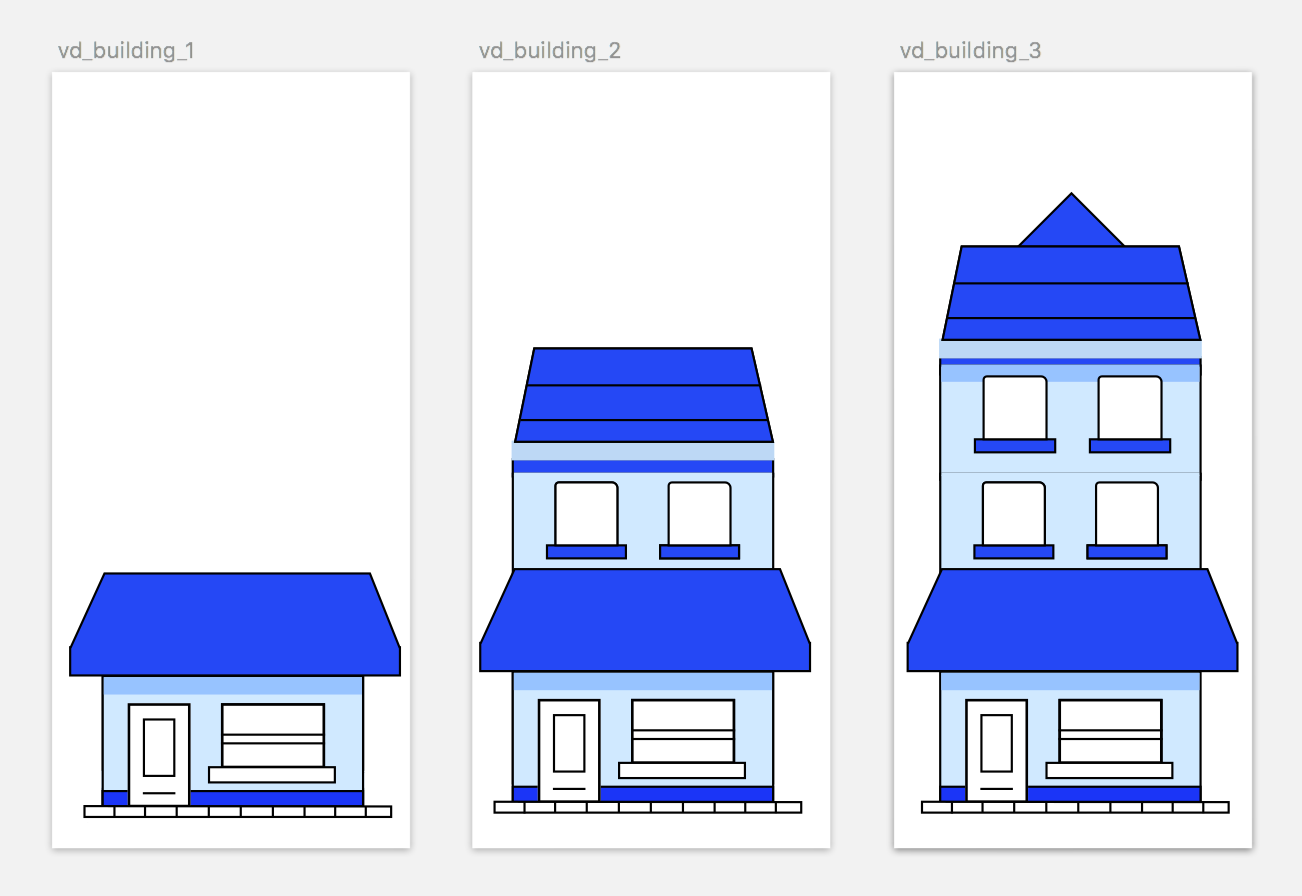
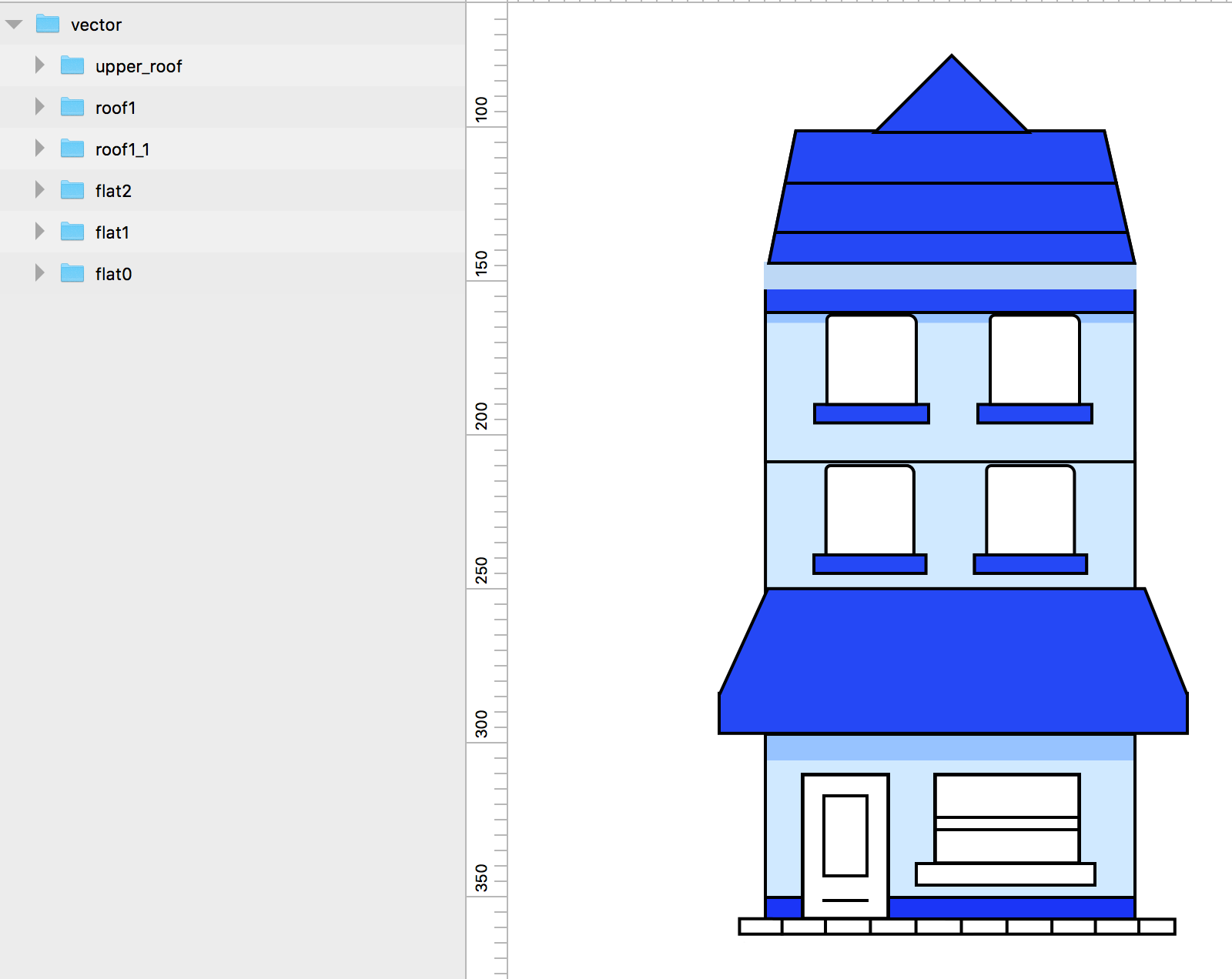
With some minor work on a vector based tool like Sketch or BoxySvg we could easily vectorise the building image. Grouping those parts whose will be animated into groups will be useful for a next point.
<img class=”progressiveMedia-noscript js-progressiveMedia-inner” src=”https://cdn-images-1.medium.com/max/1600/1*sK6g7Il9jVSnyode1nsjqw.png”>
Creating the desired image on Sketch
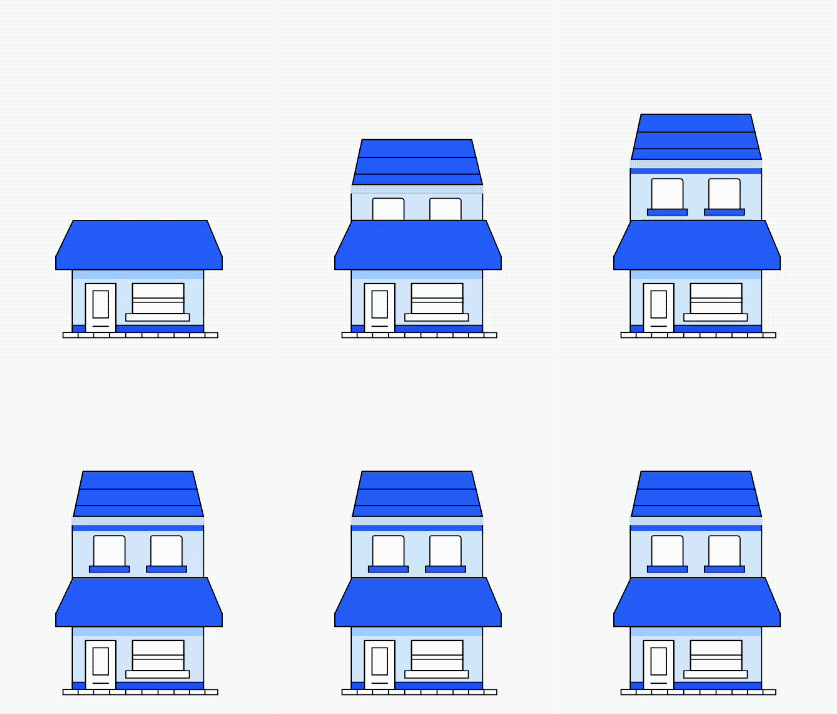
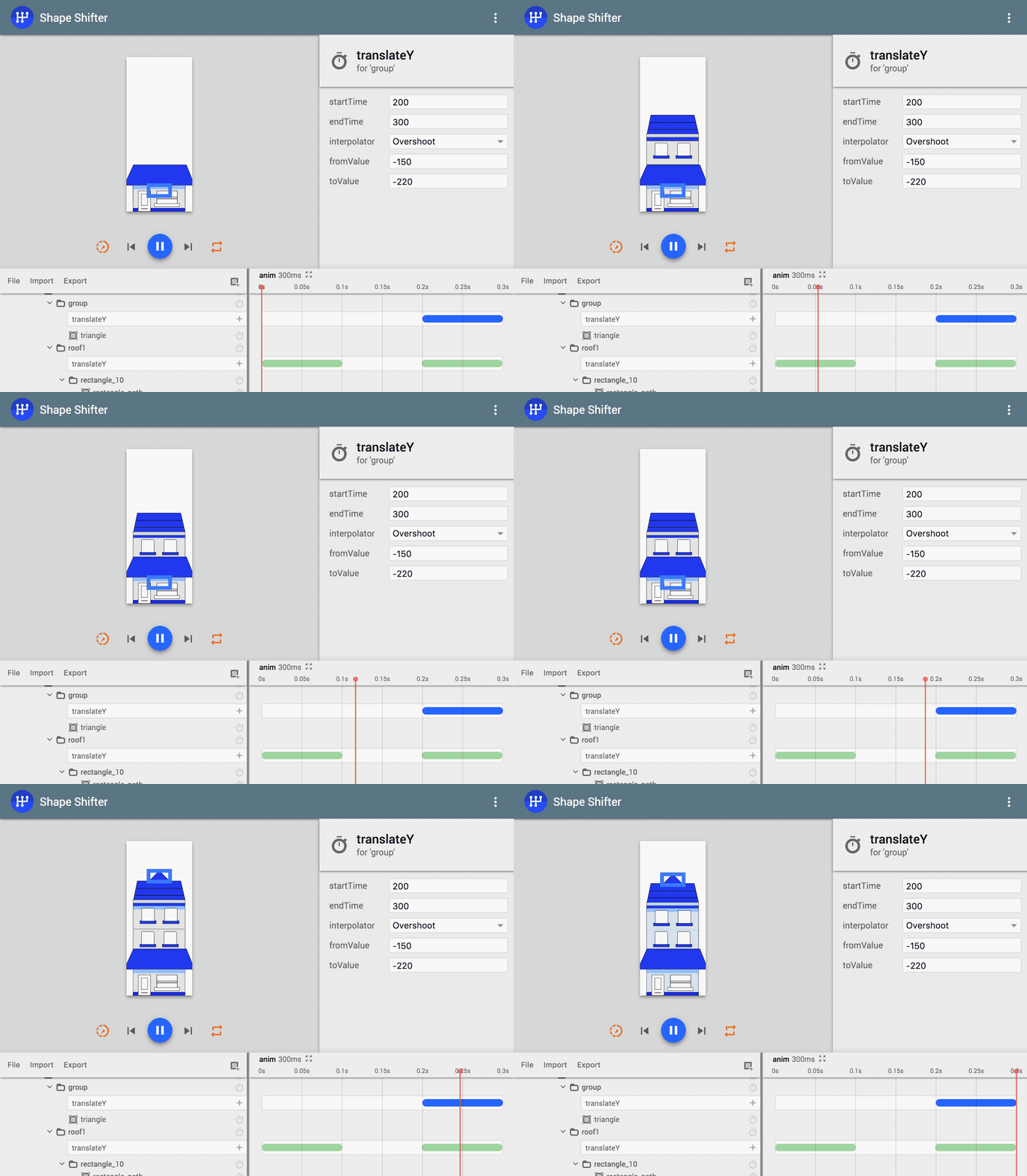
Next, a new amazing tool comes to the scene, and this one is Shape Shifter, from Alex Lockwood. This awesome tool helps you to animate SVG based images and exporting those animations into an AVD among other formats.
<img class=”progressiveMedia-noscript js-progressiveMedia-inner” src=”https://cdn-images-1.medium.com/max/1600/1*6vPUlrUQ1Q4IiqwIt9_o-Q.gif”>
Shape Shifter
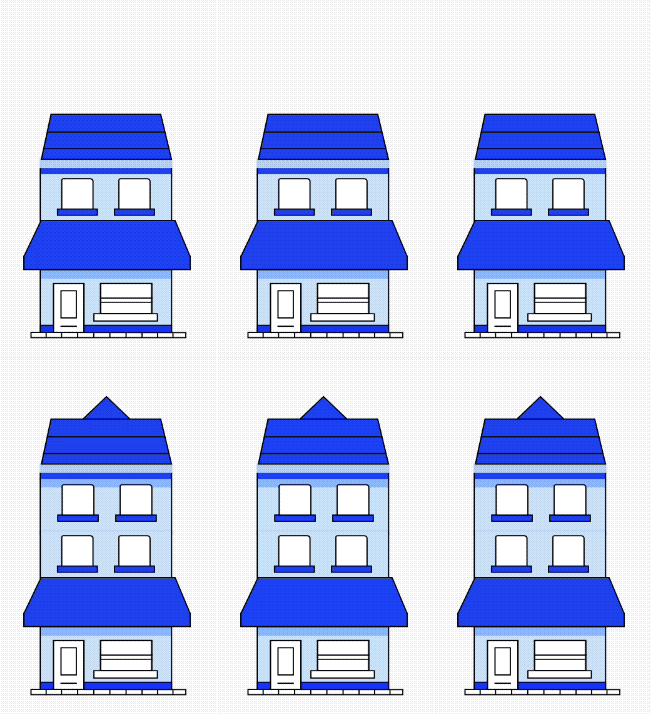
After creating the desired effect in a few clicks, we can export our fresh animated vector drawable, paste it into Android Studio, bind it to an ImageView and we are done!.
(img_building.drawable as Animatable).start()
<img class=”progressiveMedia-noscript js-progressiveMedia-inner” src=”https://cdn-images-1.medium.com/max/1600/1*DgQkbwVvYhZyH0Y2A8SzlA.gif”>
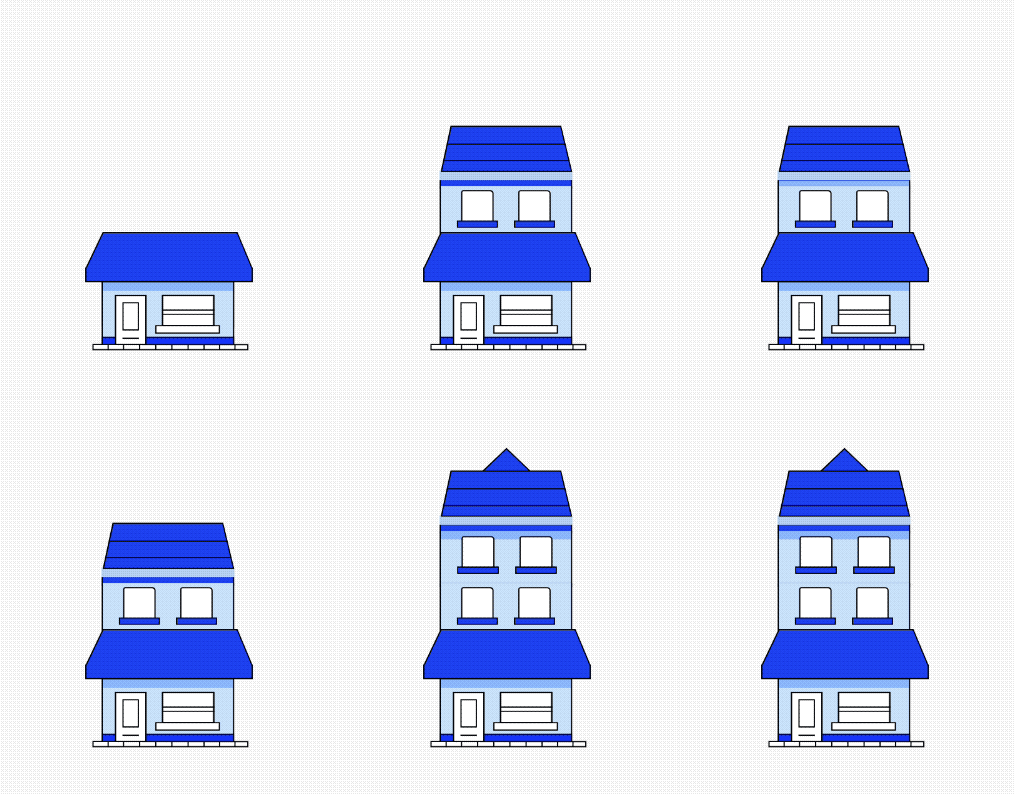
Exported ShapeFilter’s avd running on an android device
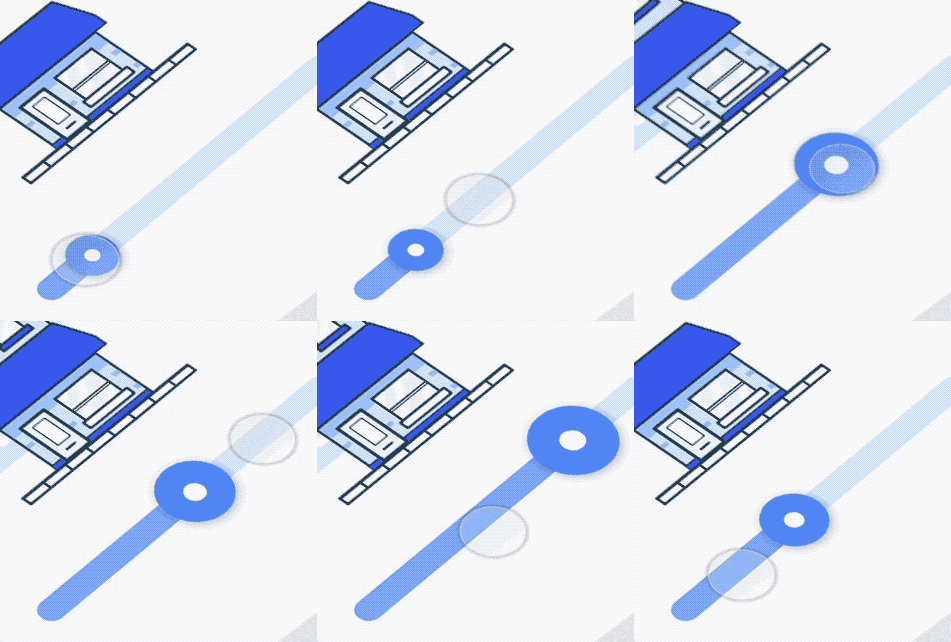
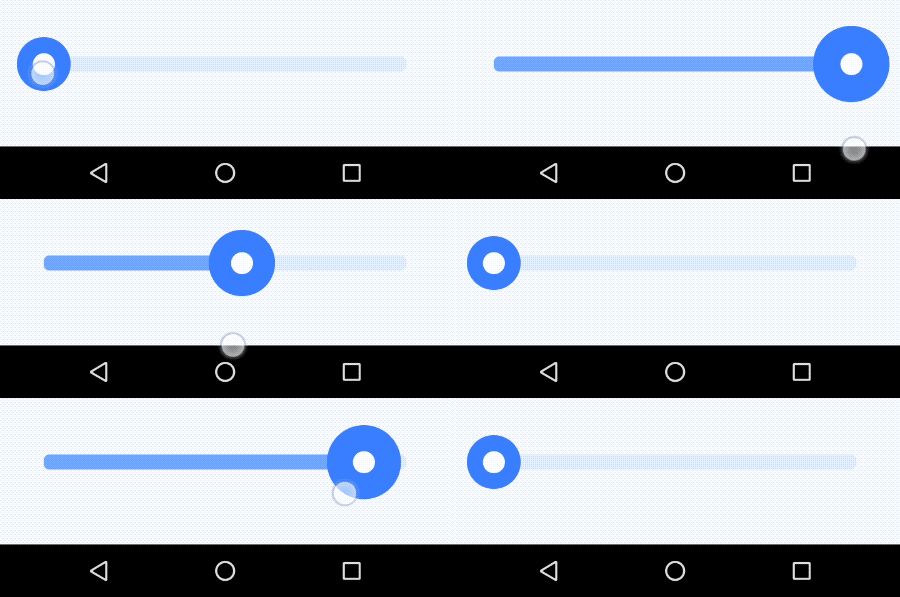
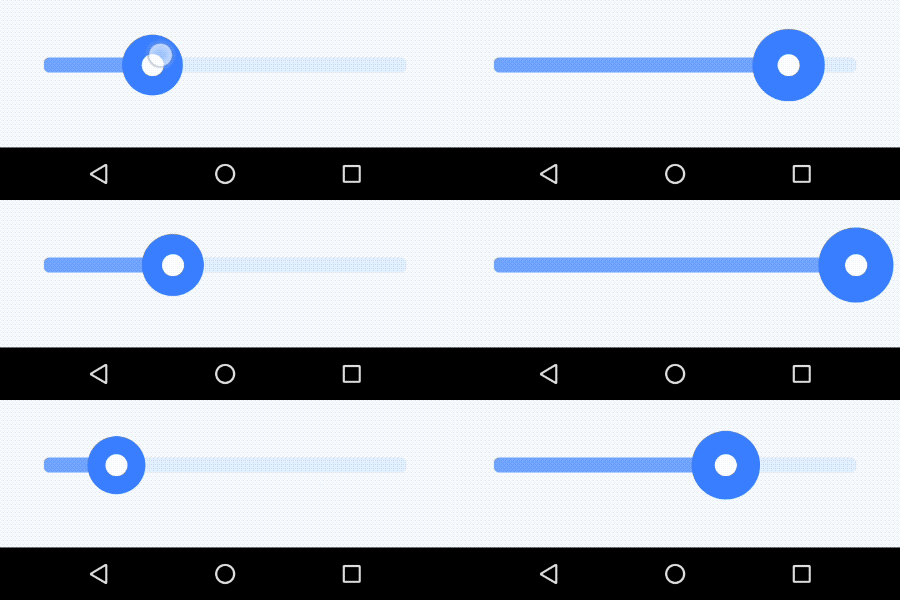
Yeah, amazing, right?! We just built a great animation effortlessly, but, if we look again at Johny Vino’s concept, we’ve missed minor detail. The animation is handled by a slide bar, (known as Seekbar on Android) which handles the sate of the animation depending the progress of the bar.
So what we need is so far to set the progress of the animation within an AVD. Well… that’s not currently supported from what I’ve seen, (Lottie does). We just have at our disposal methods like, .start(), .stop() and reset().
At this point we could try the following:

<img class=”progressiveMedia-noscript js-progressiveMedia-inner” src=”https://cdn-images-1.medium.com/max/1600/1*aAbK06sdpSU9VSj039PgUg.gif”>
Or keep going, let’s iterate just a bit more.