UX Power Tools – Medium | Christian Beck 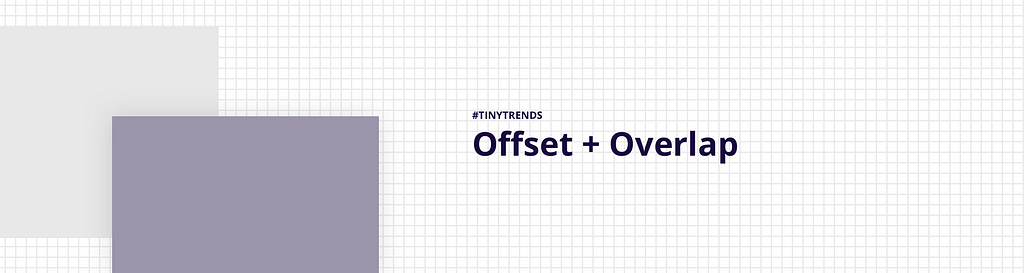
Tiny Trends
Designers are continuing to break out of the grid. It’s been a great evolution from the early days of responsive web design. 5 years ago, responsive simply meant that your content block would resize infinitely. But it was always within the confines of a rigid grid. In fact, responsive web design had a negative effect on how designers used grids because it was so difficult to figure out how content should react.
Not any more.
Today, improvements in media queries and technological advancements like flexbox have given designers more grid capabilities. The way designers do this takes on a few different forms in web design, with different qualities for different situations:
- Parallax — the overlapping content will often “float” over the content it covers as you scroll. I certainly love this effect much more than the scroll-jacking parallax effect applied to entire sites.
- Variable shadow depths — I don’t see designers apply this often but following the actual physical properties of light, you’d expect stacked elements to have different shadow spreads.
- UI callouts — in this variation, product sites use the overlapping image to callout a piece of UI. It’s perfect for simple product highlights.
- Context images — Often, the background content is a photo meant simply to set the mood. This makes sense because the overlapping is obscuring most of it.
Let’s take a look at some examples:
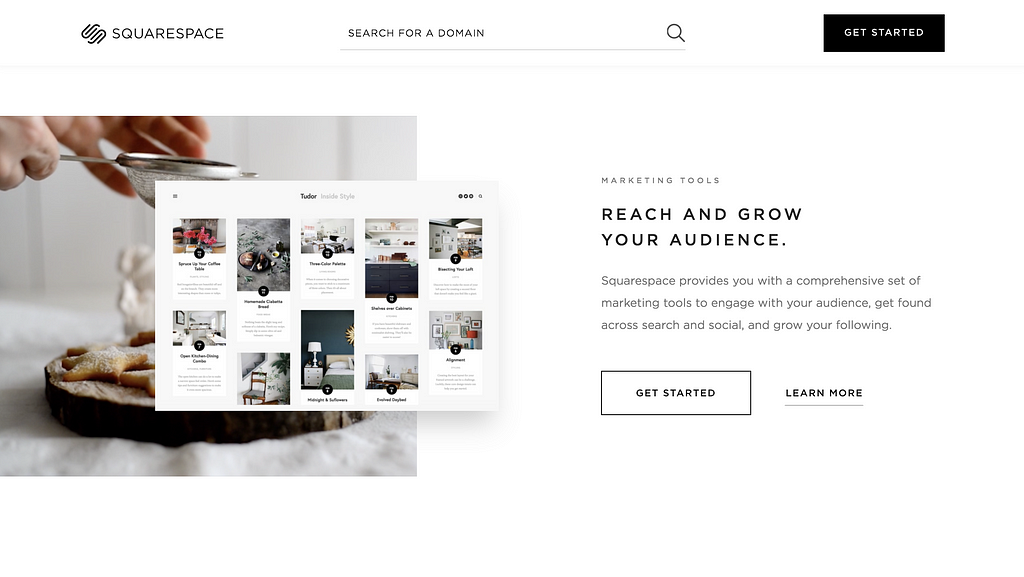 A little site called Squarespace
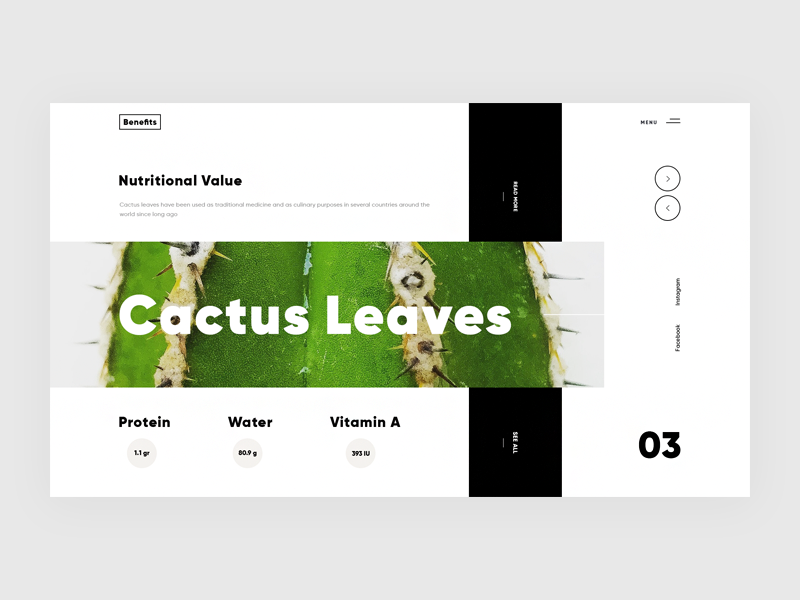 Design by Giga Tamarashvili
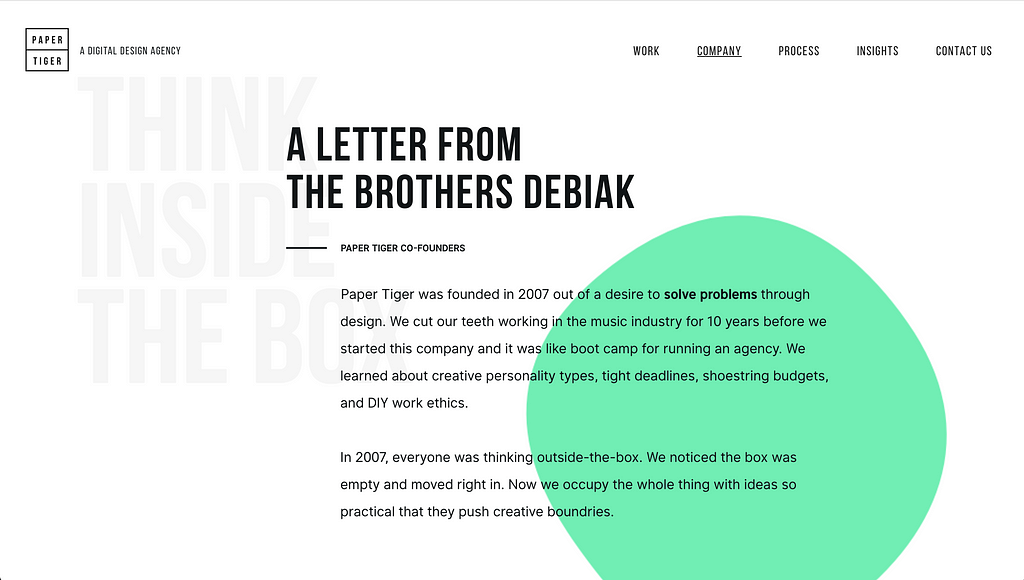 Paper Tiger
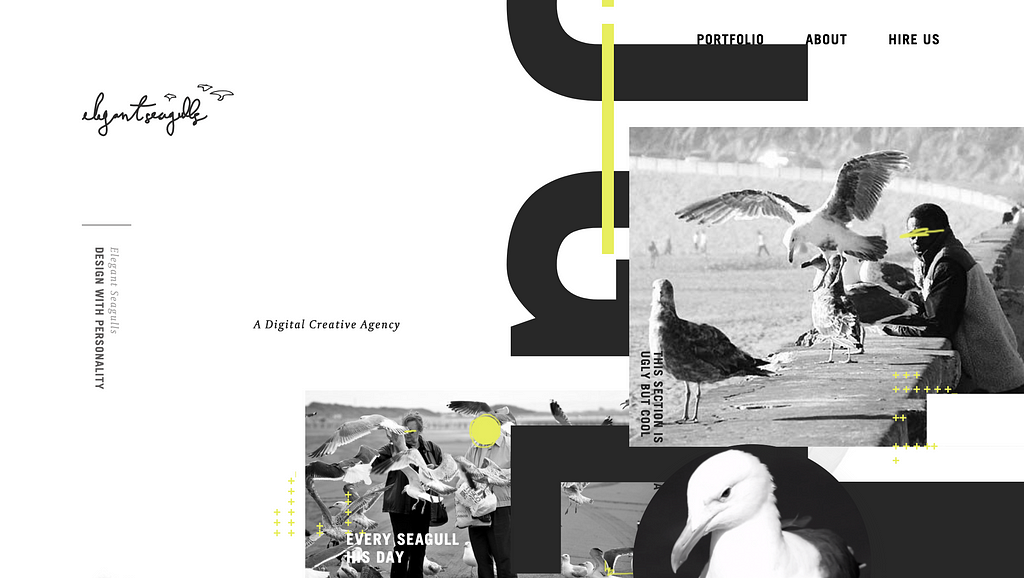 https://flayks.com/
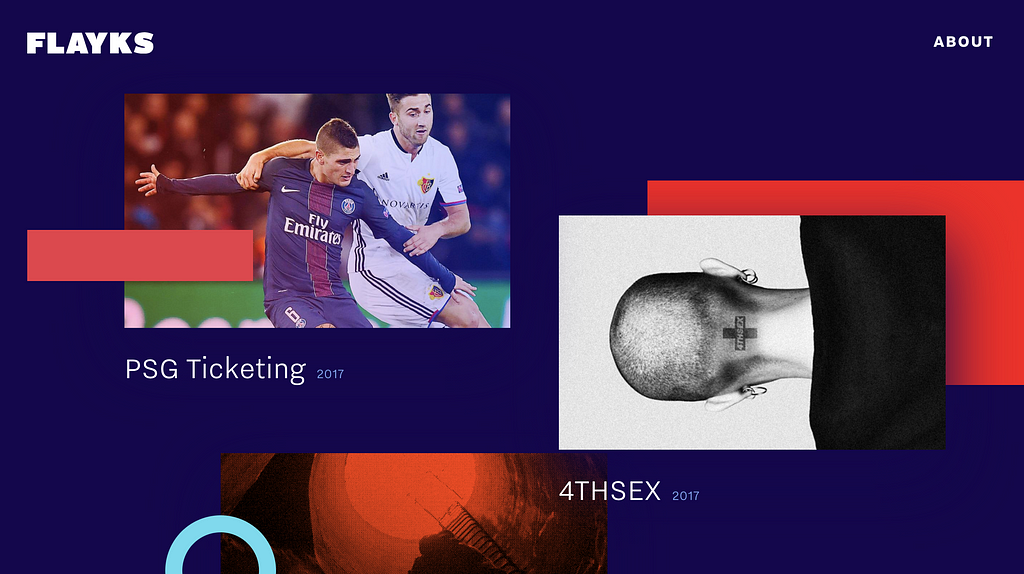 https://flayks.com/
When I’m not offsetting my design work, I’m working on Sketch design tools at UX Power Tools to make you a better, more efficient designer.
Follow UX Power Tools on Twitter
Follow me on Twitter
Sketch smarter.

Design Trend: Offset + Overlapping Content Blocks was originally published in UX Power Tools on Medium, where people are continuing the conversation by highlighting and responding to this story.