Selectors
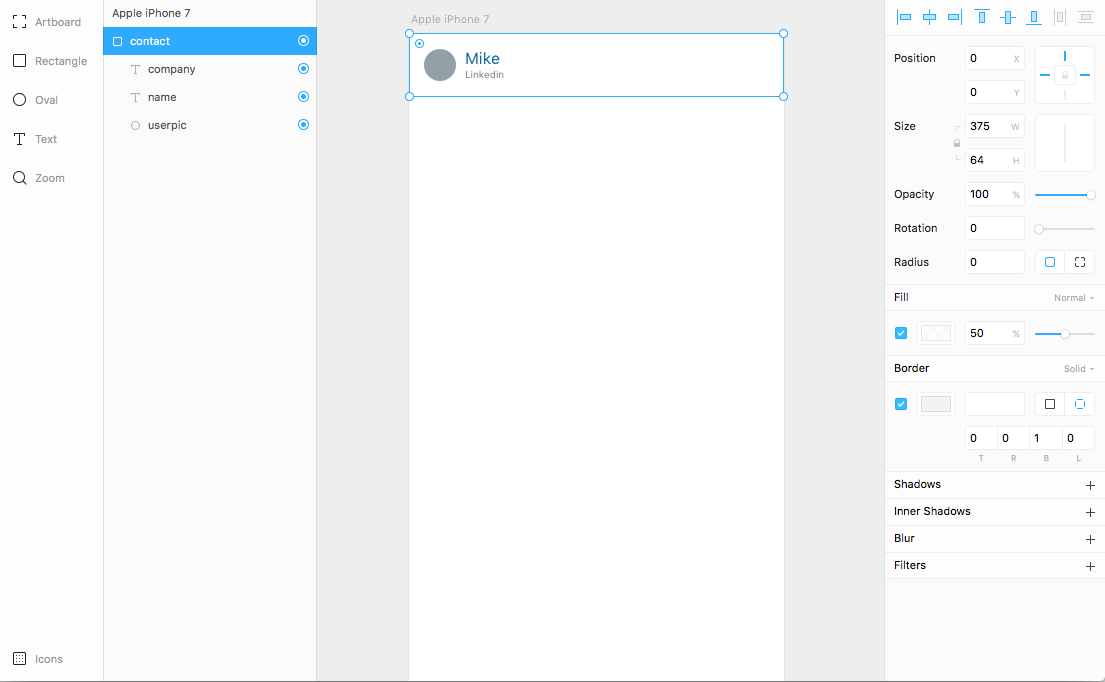
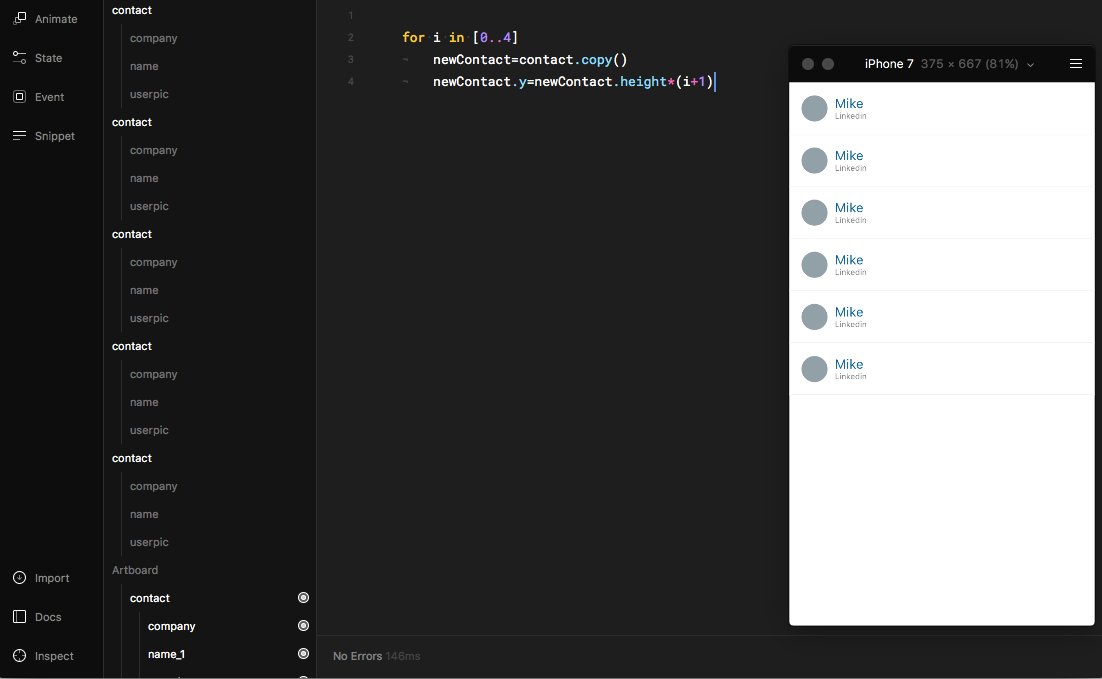
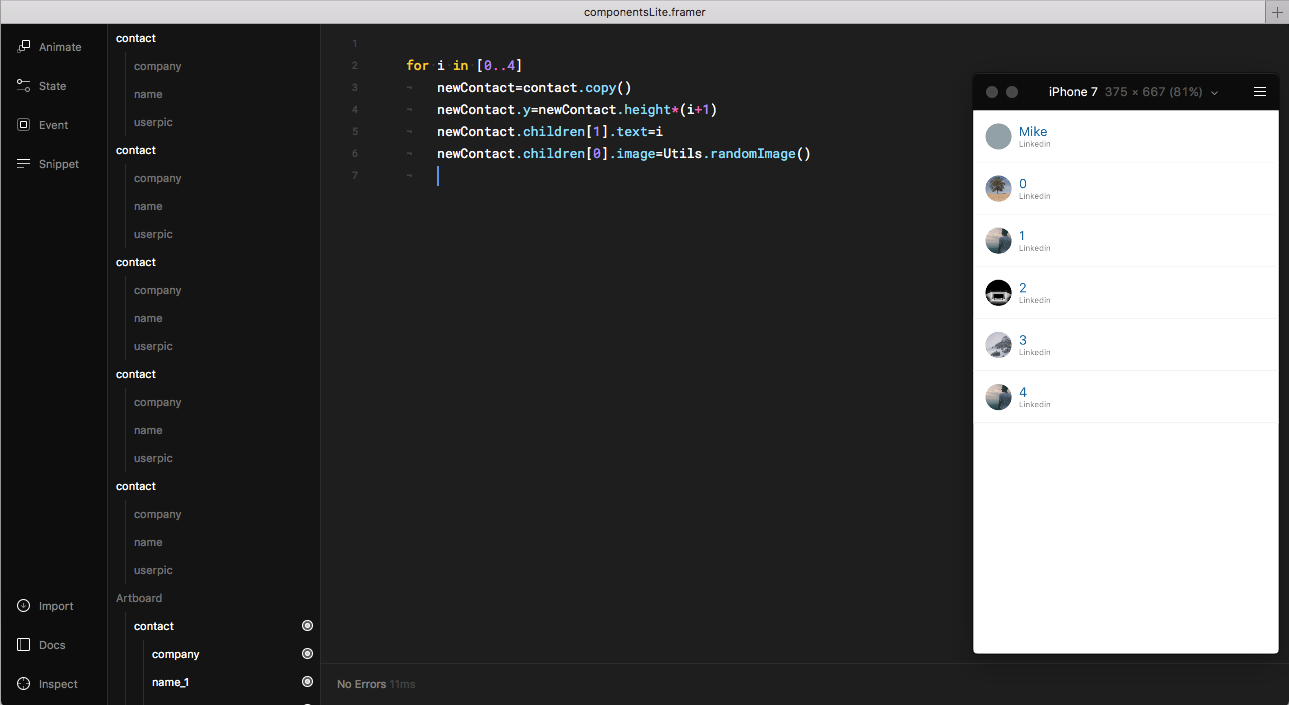
We have multiple blocks now, but they all have the same content. We can play a guessing game and talk to the children in our list element with an index like this:
for i in [0..4]
 newContact=contact.copy()
newContact.y=newContact.height*(i+1)
newContact.children[1].text=i
newContact.children[0].image=Utils.randomImage()
<img class=”progressiveMedia-noscript js-progressiveMedia-inner” src=”https://cdn-images-1.medium.com/max/1600/1*KpDqcijnNuYoph0iBkiD3Q.png”>
It’s closer to our needs, but if we have complex components with lots of children inside, guessing the index of children can be complicated.
Andrew Cunliffe pointed me to new things in Framer — selectors made by Andreas.
Here is the basic overview of how they work:
<div class=”iframeContainer”><IFRAME data-width=”500″ data-height=”185″ width=”500″ height=”185″ src=”/media/3f75c990c30245520a56a61f5802b7a1?postId=6fce6bf4bcdd” data-media-id=”3f75c990c30245520a56a61f5802b7a1″ data-thumbnail=”https://i.embed.ly/1/image?url=https%3A%2F%2Fpbs.twimg.com%2Fmedia%2FDJEIcgEXoAATOt8.jpg%3Alarge&key=a19fcc184b9711e1b4764040d3dc5c07″ allowfullscreen frameborder=”0″></IFRAME></div>
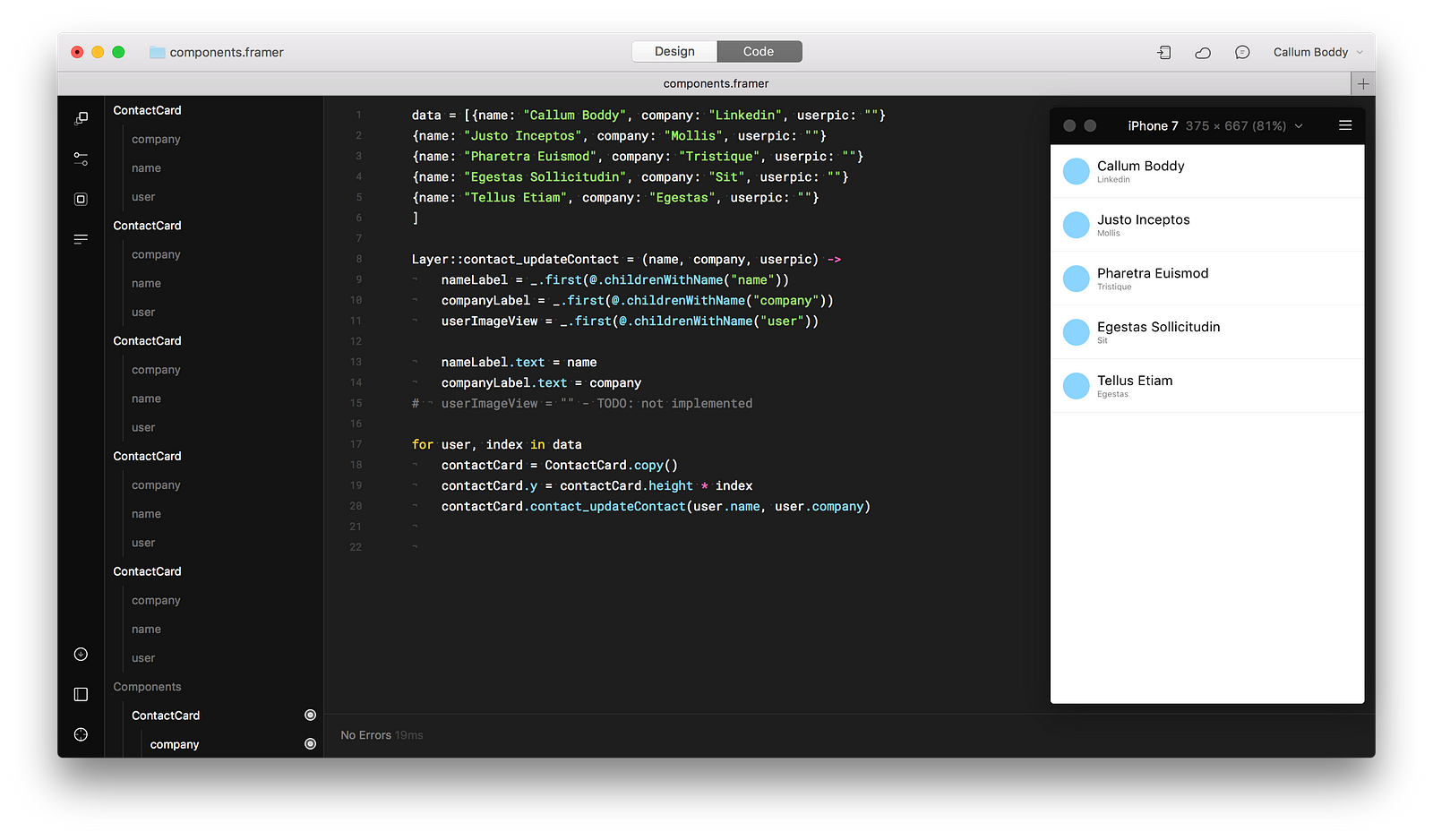
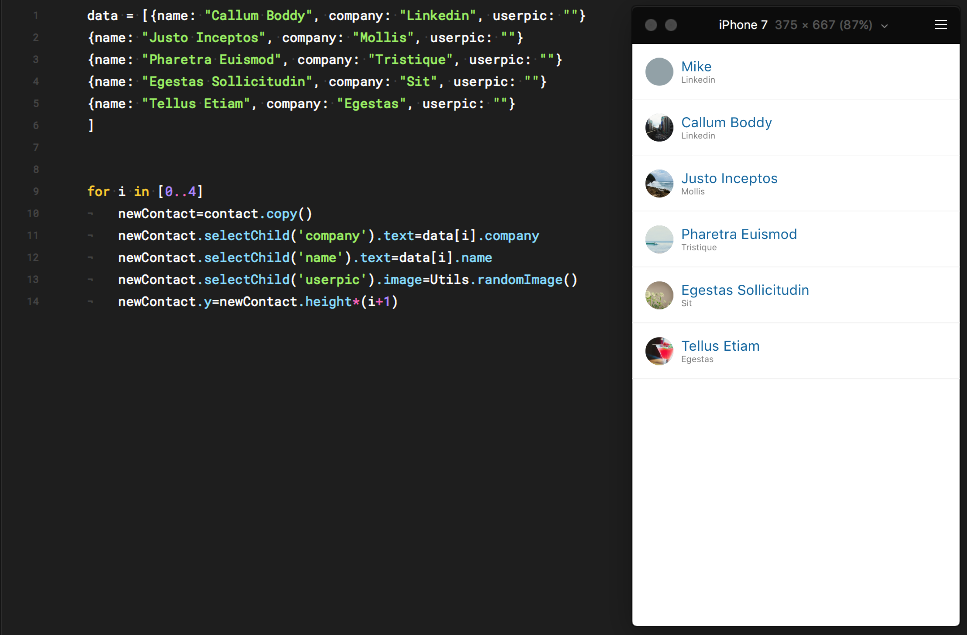
Knowing the name of the child layer makes it a little a bit easier to change its properties. Below I’m using some dummy JSON data to bring our prototype to life.
data = [{name: “Callum Boddy”, company: “Linkedin”, userpic: “”}
{name: “Justo Inceptos”, company: “Mollis”, userpic: “”}
{name: “Pharetra Euismod”, company: “Tristique”, userpic: “”}
{name: “Egestas Sollicitudin”, company: “Sit”, userpic: “”}
{name: “Tellus Etiam”, company: “Egestas”, userpic: “”}
]
for i in [0..4]
 newContact=contact.copy()
 newContact.selectChild(‘company’).text=data[i].company
 newContact.selectChild(‘name’).text=data[i].name
 newContact.selectChild(‘userpic’).image=Utils.randomImage()
 newContact.y=newContact.height*(i+1)
<img class=”progressiveMedia-noscript js-progressiveMedia-inner” src=”https://cdn-images-1.medium.com/max/1600/1*_cPomUTVlKl0aU5YWjSwyQ.png”>
https://framer.cloud/vQUen

 <img class=”progressiveMedia-noscript js-progressiveMedia-inner” src=”https://cdn-images-1.medium.com/max/1600/1*DC-Y539LDJ2sUffNq7X44w.gif”>